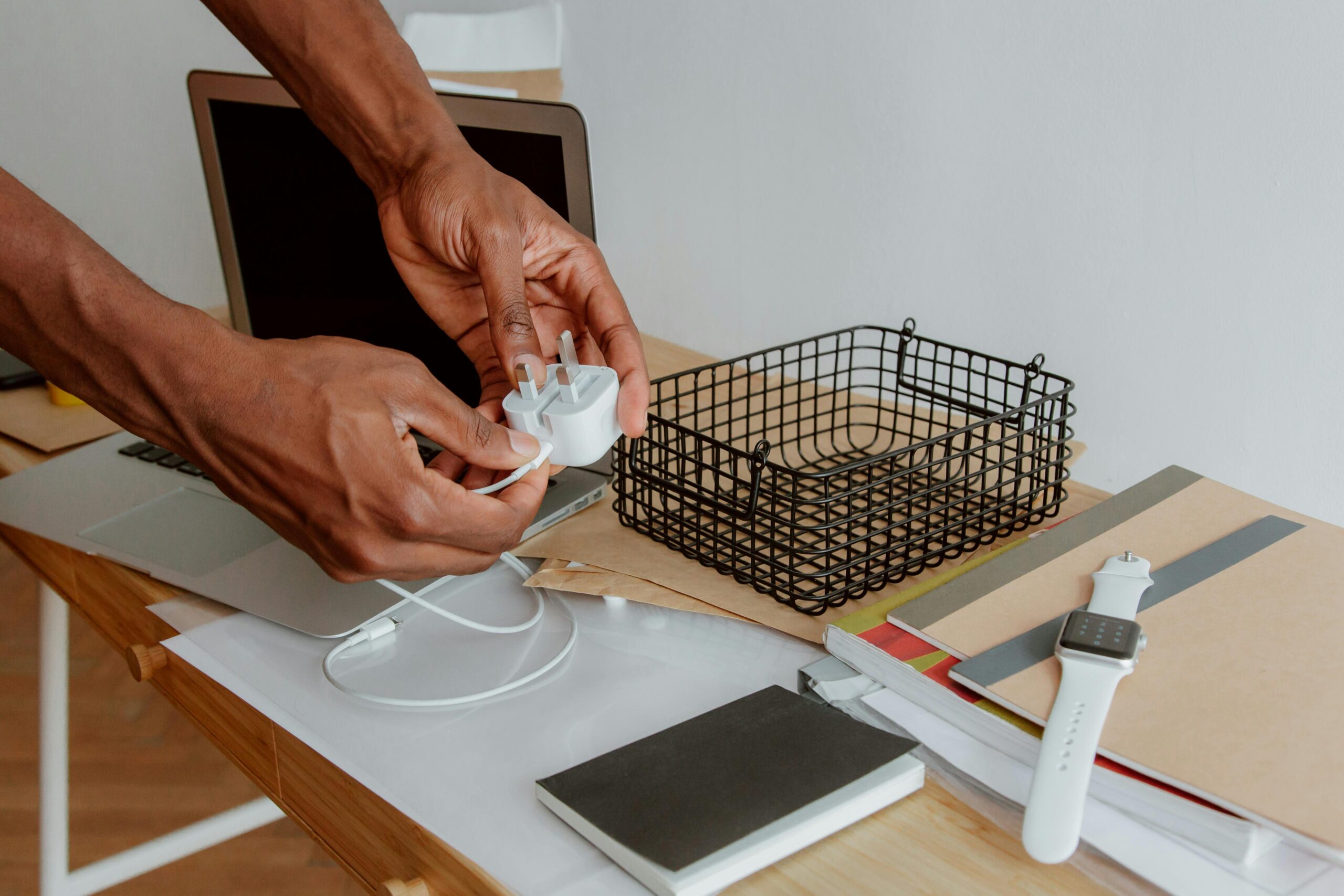

It’s normal for a laptop charger to feel warm, but if it becomes uncomfortably hot to the touch, smells like plastic, or makes you worry about safety, something isn’t right. Charger overheating is usually caused by load, airflow, or cable damage — not the laptop itself.
Here’s how to tell what’s normal, what’s dangerous, and how to fix it.
What “Normal Warm” vs “Too Hot” Means
Normal:
- Warm after 30–60 minutes of use
- Comfortable to hold briefly
- No smell, no discoloration
Not normal:
- Too hot to touch
- Plastic smell or buzzing sound
- Charger shuts off intermittently
- Cable or brick feels soft or warped
If it’s in the second group, stop using it until you check the causes below.
Common Reasons Laptop Chargers Overheat
1. High Power Draw (Heavy Usage)
Charging while:
- gaming
- video rendering
- running many apps
forces the charger to deliver near-maximum power continuously, which creates heat.
This is expected temporarily, but sustained heat isn’t.
2. Poor Ventilation (Very Common)
Chargers need airflow.
Bad habits:
- placing the charger on beds, sofas, carpets
- wrapping it in cables or fabric
- using it inside bags or drawers
Heat builds up fast without ventilation.
3. Damaged or Frayed Cable
Internal wire damage increases resistance → heat.
Check for:
- bent cable near the connector
- cracks or exposed wire
- cable getting hotter than the brick
If the cable is hotter than the adapter itself, replace it immediately.
4. Using a Cheap or Incompatible Charger
Low-quality third-party chargers often:
- lack proper heat regulation
- deliver unstable voltage
- overheat under normal load
Always match:
- voltage (V)
- amperage (A)
- wattage (W)
Using an underpowered charger forces it to run hot constantly.
5. Aging Charger Components
Chargers degrade over time.
Signs of aging:
- gets hotter than it used to
- charging becomes slower
- intermittent disconnects
Older chargers lose efficiency and convert more power into heat.
Is It Dangerous to Use an Overheating Charger?
Yes — if ignored.
Risks include:
- cable melting
- electrical shorts
- battery damage
- fire hazard (rare, but real)
If the charger smells, makes noise, or becomes painful to touch, unplug it immediately.
What You Should Do Right Now
Immediate Safety Steps
- Unplug the charger
- Let it cool completely
- Inspect cable and connector
- Plug it back in on a hard, open surface
If it overheats again → stop using it.
Long-Term Fixes
- Replace damaged cables
- Switch to an original or certified charger
- Avoid charging under heavy load
- Keep the charger well ventilated
When to Replace the Charger
Replace it if:
- cable damage is visible
- heat is excessive even at idle
- charging cuts in and out
- charger is several years old and overheating worsens
Chargers are cheaper to replace than laptops.
Final Advice
A warm charger is normal.
A hot charger is a warning.
Treat charger heat seriously — it protects not just your laptop, but your safety.