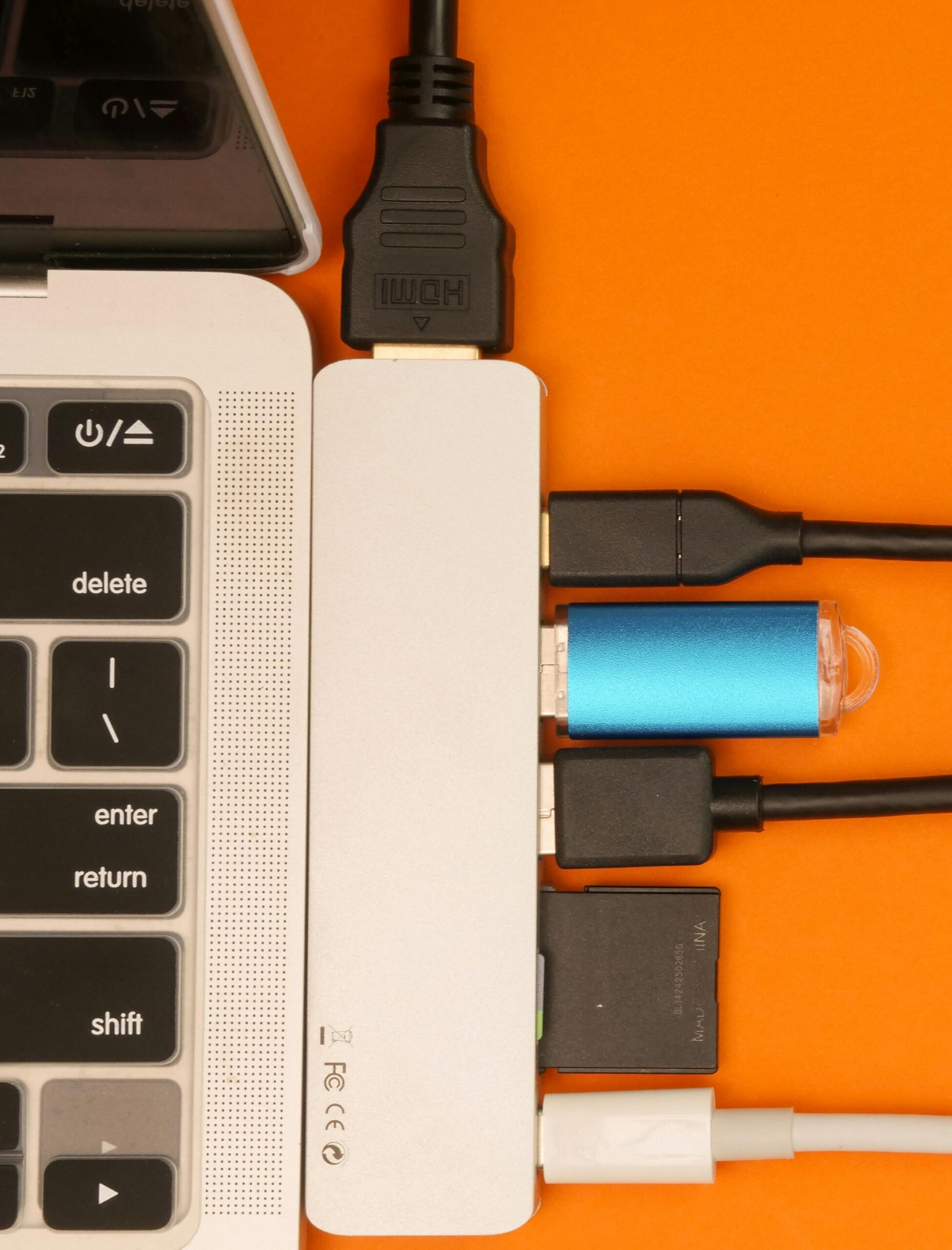

If your laptop is plugged in but the battery percentage still drops — or refuses to increase under load — it’s confusing and worrying. In most cases, this doesn’t mean the charger or battery is broken. It’s usually a power balance issue.
Here’s what causes this behavior and what you can do about it.
Why a Laptop Can Drain While Plugged In
1. Power Demand Exceeds Charger Output (Most Common)
If your laptop draws more power than the charger can supply, the system uses both the charger and the battery at the same time.
This often happens during:
- gaming
- video rendering
- heavy multitasking
- CPU + GPU load
The charger can’t keep up, so the battery slowly drains.
2. Underpowered or Incompatible Charger
Using a charger with:
- lower wattage
- third-party USB-C power
- damaged cable
can limit available power.
Even if it “charges,” it may not deliver enough wattage to sustain full performance.
Related:
Laptop Charging Slowly? Common Reasons and How to Fix Them
3. Battery Health Degradation
An aging battery may:
- charge inconsistently
- discharge faster under load
- fail to buffer power properly
If capacity is reduced, the laptop relies on the battery more aggressively.
You can confirm this using
How to Check Laptop Battery Health on Windows.
4. Heat-Related Power Throttling
When the laptop or charger overheats, charging speed may be reduced automatically.
Heat sources include:
- blocked airflow
- charging on soft surfaces
- hot chargers
Related:
Laptop Gets Hot While Charging? Causes, Risks, and How to Fix It
5. Charging Limits or Battery Protection Features
Some laptops intentionally allow slight discharge to protect battery health when under heavy load.
This is more common when:
- charge limits (80%) are enabled
- laptop stays plugged in for long periods
See also:
Laptop Battery Not Charging Past 80%? Here’s Why and What to Do
Is It Dangerous If the Battery Drains While Plugged In?
Occasional slow drain under heavy load is not dangerous.
However, it becomes a concern if:
- battery drains rapidly
- percentage drops even at idle
- charging never recovers
- laptop shuts down unexpectedly
These may indicate charger or battery failure.
What You Can Do Right Now
Quick checks
- use the original charger
- close heavy applications
- test charging while the laptop is powered off
- place laptop and charger on a cool, ventilated surface
Long-term fixes
- upgrade to a higher-wattage charger (if supported)
- replace aging batteries
- avoid sustained heavy loads while charging
When to Replace the Charger or Battery
Replace the charger if:
- it runs unusually hot
- charging cuts in and out
- power delivery feels unstable
Replace the battery if:
- health is below ~60%
- drain occurs even at idle
- shutdowns happen while plugged in
A failing charging port can also cause unstable power — see
Laptop Charging Port Loose or Wobbly? Causes, Risks, and Fixes.
Final Advice
A laptop draining while plugged in is usually a power mismatch, not a defect. Once charger wattage, heat, and battery health are aligned, the problem often disappears completely.
Understanding power balance saves you from unnecessary repairs.