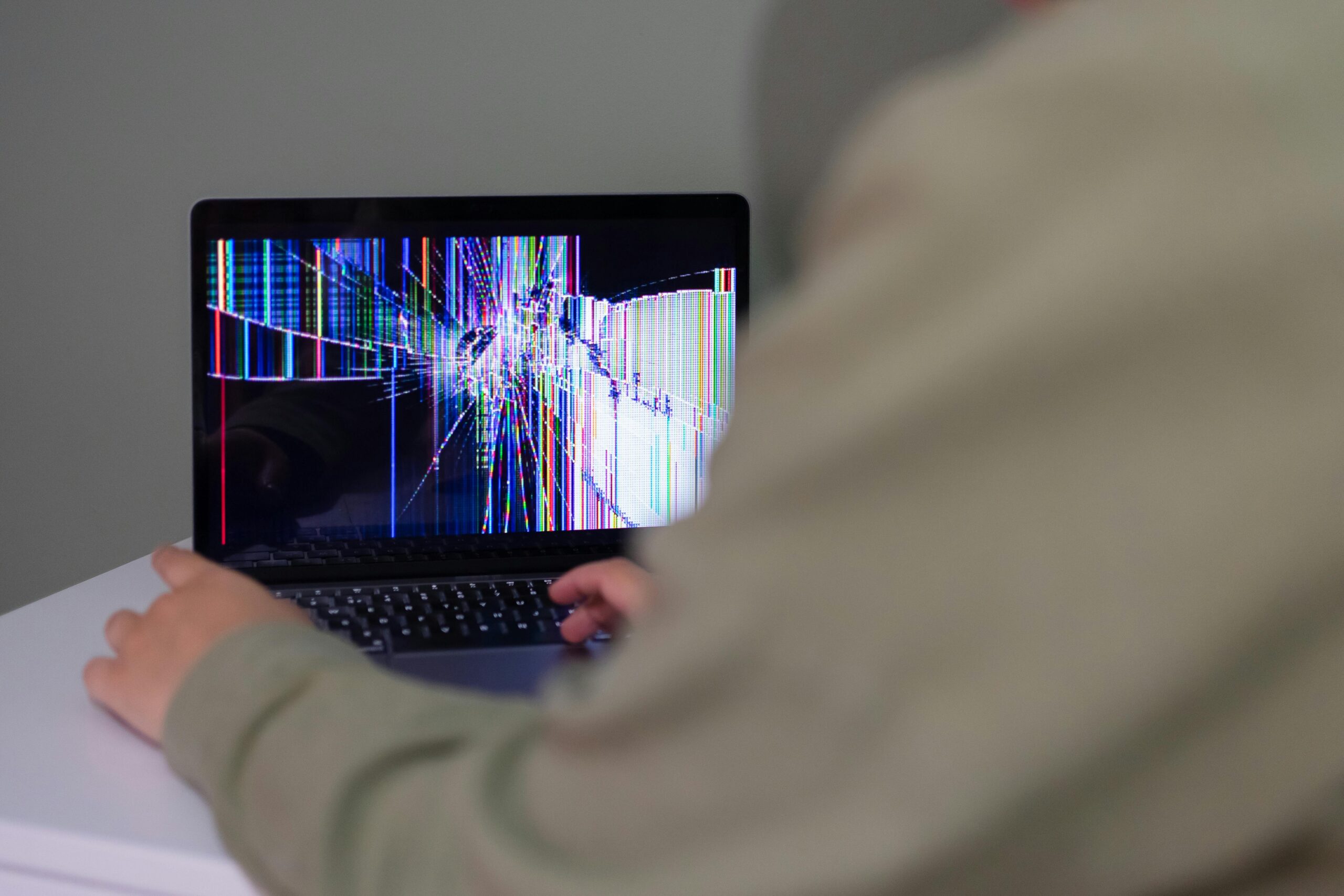

A loose or wobbly laptop hinge is more than just annoying. If ignored, it can damage the screen cable, crack the bezel, or even break the display panel. The good news is that not every loose hinge means an expensive repair.
Here’s what usually causes loose laptop hinges and what you should do next.
What Causes Laptop Hinges to Become Loose?
1. Normal Wear and Tear
Laptop hinges are mechanical parts. Over time, repeated opening and closing weakens the hinge screws or the plastic mounts holding them in place.
This is especially common on:
- Thin laptops
- Budget models with plastic frames
- Laptops opened frequently with one hand
2. Cracked Plastic Mounts (Very Common)
In many laptops, the hinge is screwed into plastic, not metal. When that plastic cracks, the hinge feels loose even if the hinge itself is still tight.
Signs:
- Screen wobbles even when hinge feels stiff
- Creaking or popping sounds when opening
- Bezel slightly separating from the screen
3. Overtightened or Stiff Hinges
Ironically, hinges that are too tight often cause damage. The extra force transfers to the laptop frame, slowly tearing the hinge mounts loose.
If opening the laptop requires noticeable force, this is a red flag.
4. Drops or Sudden Pressure
Even a small drop or grabbing the laptop by the screen can damage hinge mounts internally, without obvious external cracks.
Is It Safe to Keep Using a Laptop with a Loose Hinge?
Short answer: yes, but only temporarily.
Safe short-term:
- Open it once and leave it open
- Use an external monitor if possible
Risky:
- Repeated opening and closing
- Carrying the laptop while open
- Forcing the screen into position
Ignoring it can lead to:
- Broken display cable
- Flickering screen
- Dead display panel
What You Can Do Right Now
Temporary Fixes (Short-Term)
- Open and close the lid slowly with two hands
- Avoid opening beyond the normal angle
- Stop carrying the laptop by the screen
These won’t fix the hinge, but they slow further damage.
Proper Fix Options
Option 1: Tightening the Hinges (Best Case)
If the hinge screws are simply loose:
- Laptop is opened
- Screws are tightened
- No parts replaced
This is the cheapest scenario.
Option 2: Hinge Mount Repair
If plastic mounts are cracked:
- Frame repair or reinforcement is needed
- Sometimes epoxy or metal brackets are used
This is common and still repairable.
Option 3: Full Frame or Lid Replacement
Worst-case scenario, usually on thin laptops.
- More expensive
- Still cheaper than replacing the entire laptop
Should You Repair or Replace the Laptop?
Repair is worth it if:
- Laptop works fine otherwise
- Screen is still intact
- Repair cost is reasonable
Replacement makes sense if:
- Frame damage is severe
- Screen already flickers or cuts out
- Repair cost approaches laptop value
Final Advice
A loose laptop hinge is not “just cosmetic.”
If you catch it early, repairs are simple and affordable. If ignored, it often turns into a screen replacement problem.
Rule of thumb:
👉 If the hinge feels wrong, stop forcing it and address it early.


